01Smart tracking
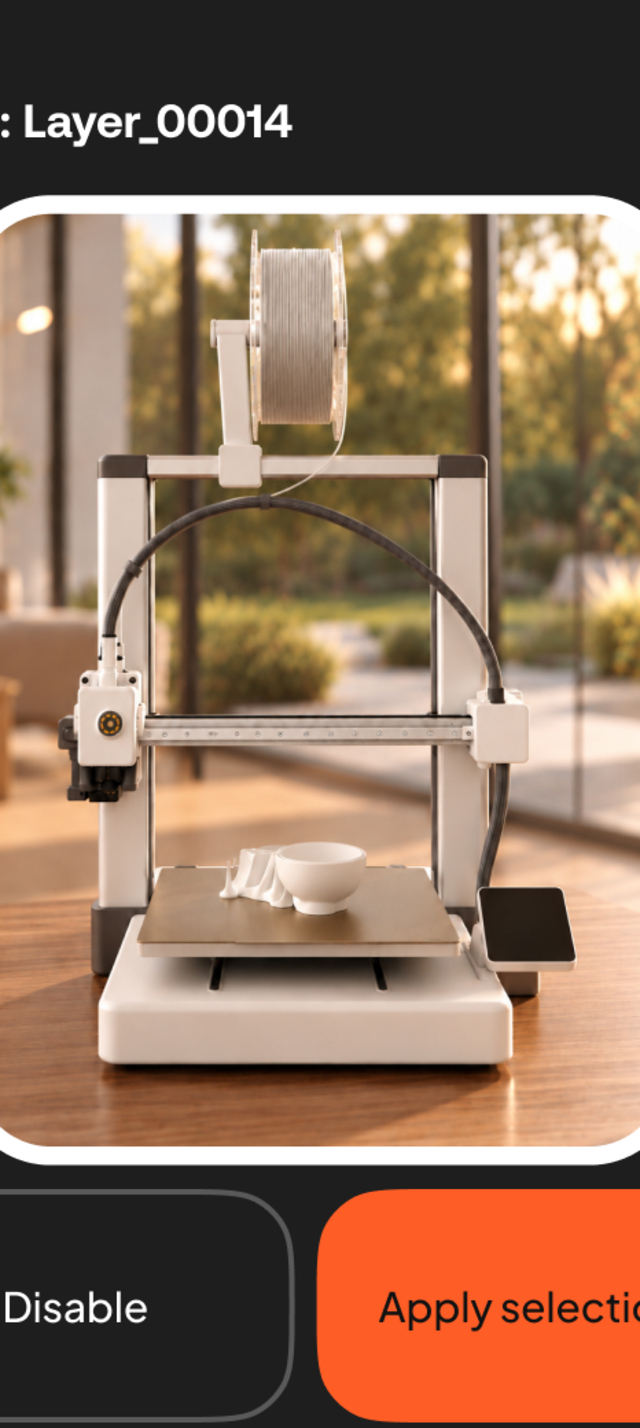
Focus on the nozzle. Computer vision locks onto the print head and holds it in frame, so the model rises cleanly instead of shaking layer to layer.
02Burst modePro
Best shot, right on time. Several frames are taken at each layer and the sharpest one is kept. Swap in a different take whenever you disagree.
03Auto cleanup
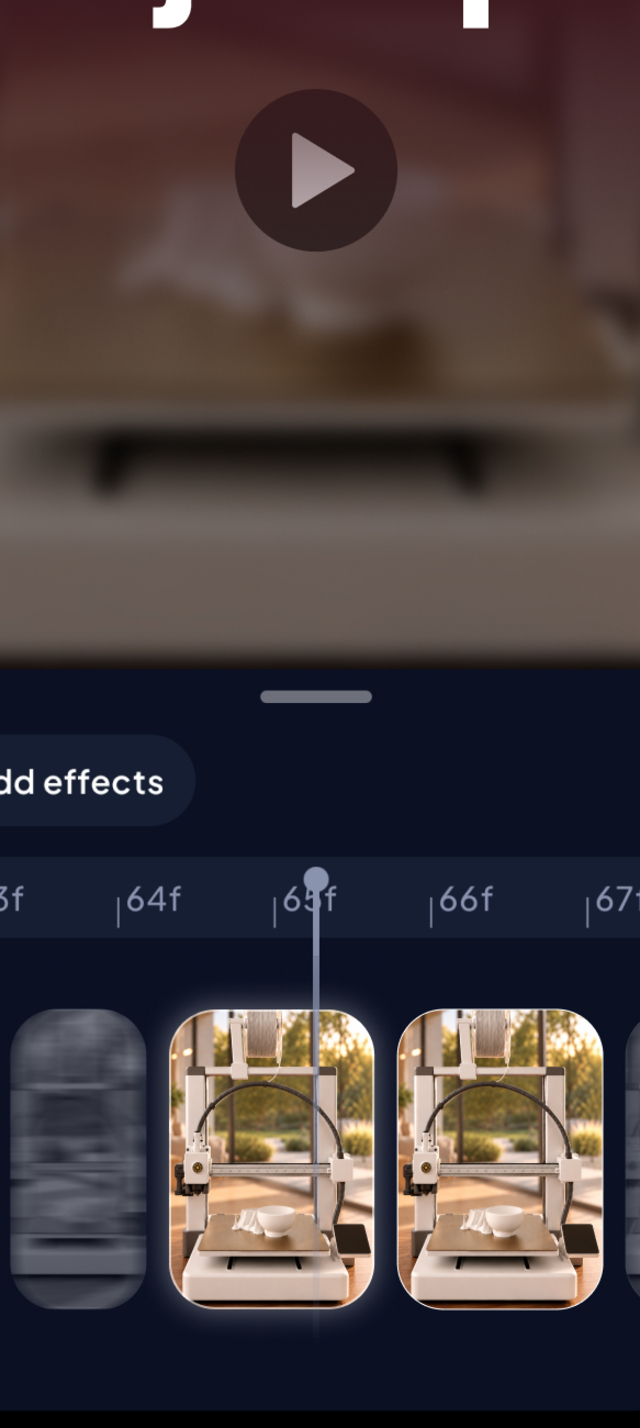
Edits itself. You just post. The session lands on a timeline with the blurred frames already dropped. Disable, delete or replace any of them without a desktop.
04Instant export
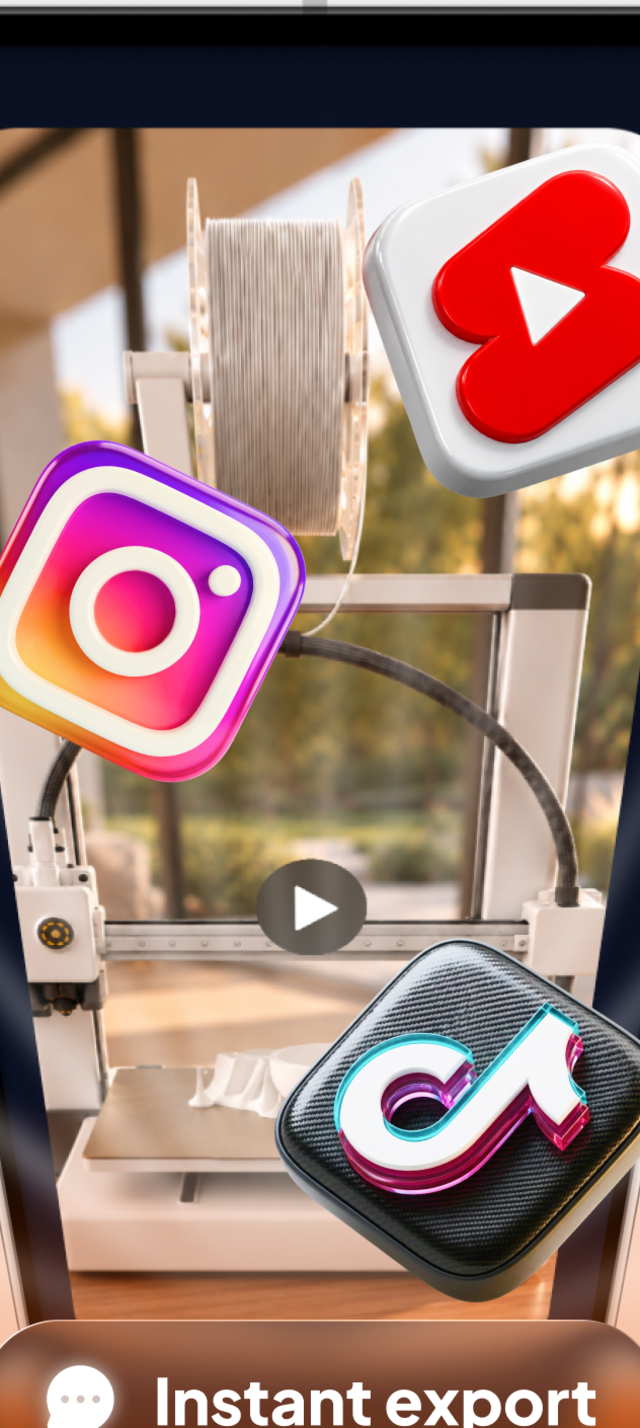
Post it in one tap. It renders to MP4 on the phone and opens the share sheet. No upload, no round trip through a computer.
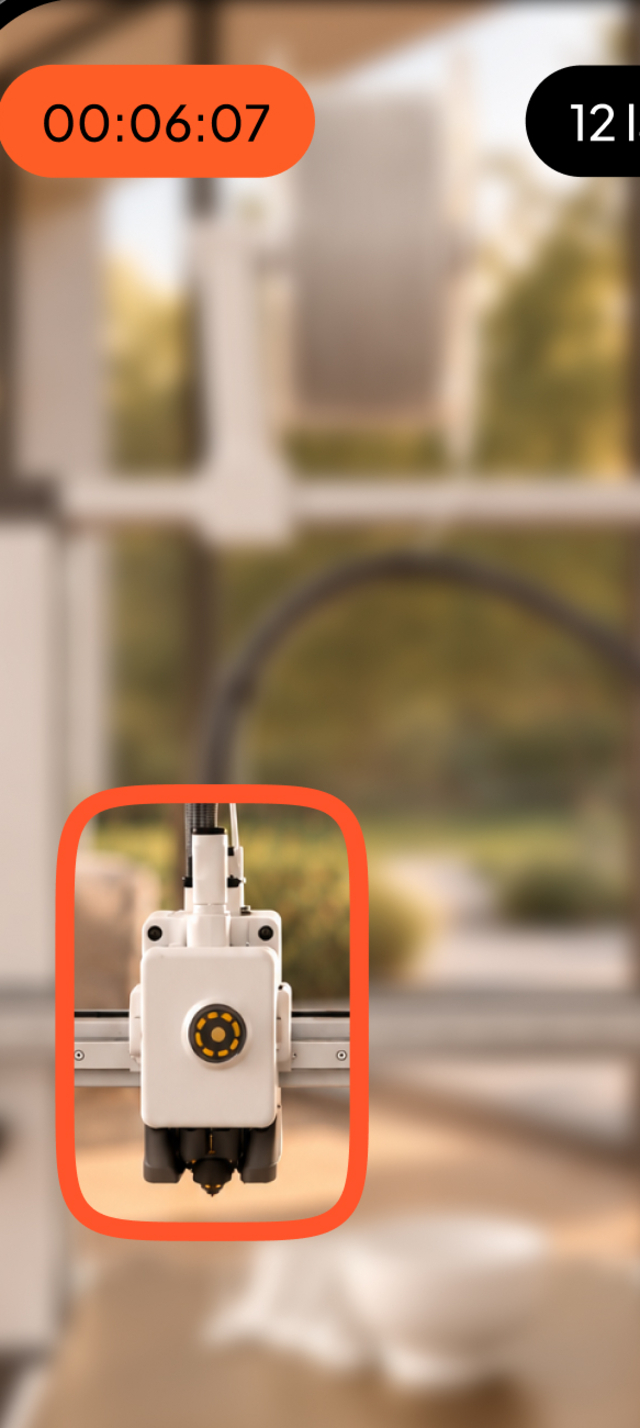
It shoots when the head parks. During a print something is always moving. The one moment the scene goes completely still is when the print head parks at the end of a layer — that is the shutter signal. Same principle as OctoLapse, running on your phone instead of a server.
Costs you one slicer setting, and the app walks you through it for Bambu Studio, Orca, Cura and PrusaSlicer.
Free vs Pro
One payment. No subscription, ever. Record as long as you like on Free — the limits are on output, never on capture.
Free
Free forever
Record as much as you like, at 720p, with a watermark.
Get PrintLapse freeFree includes:
- PrintLapse Vision with Optical Flow tracking
- Burst Mode keeps the sharpest frame per layer
- Focus and exposure locked, so no flicker
- Export up to 720p at 24 fps
ProPro
Lifetime · one-time purchase
4K, 60 fps, no watermark, every effect and your full history.
Unlock Lifetime ProEverything in Free, plus:
- PrintLapse Vision with ArUco marker tracking
- Export up to 4K
- Up to 60 fps
- No watermark
- Your full session history
- Zoom In, Tilt Shift, Lens and Vertigo effects
One payment. Yours forever.